How to switch from Avenza Maps to NomadTracks (bring your maps across)
Since Avenza's March 2026 change, the free tier no longer imports custom maps at all, and Plus ($34.99/year, per device) caps you at 20. If that's why you're here: the maps you use in Avenza are standard GeoPDF/GeoTIFF files, and NomadTracks imports them unlimited and free — no account, no per-device limit. Here's the clean way to move over.
Open your first map
Install NomadTracks, then return to the map file you want to open. Your own GeoPDF and GeoTIFF imports are free and unlimited.
On iPhone or iPad
Save the file in Files. Share it to NomadTracks, or import it from the Maps library in the app.
On Android
Download the file, then open the Maps library in NomadTracks and use the import action to select it.
Check it before your trip
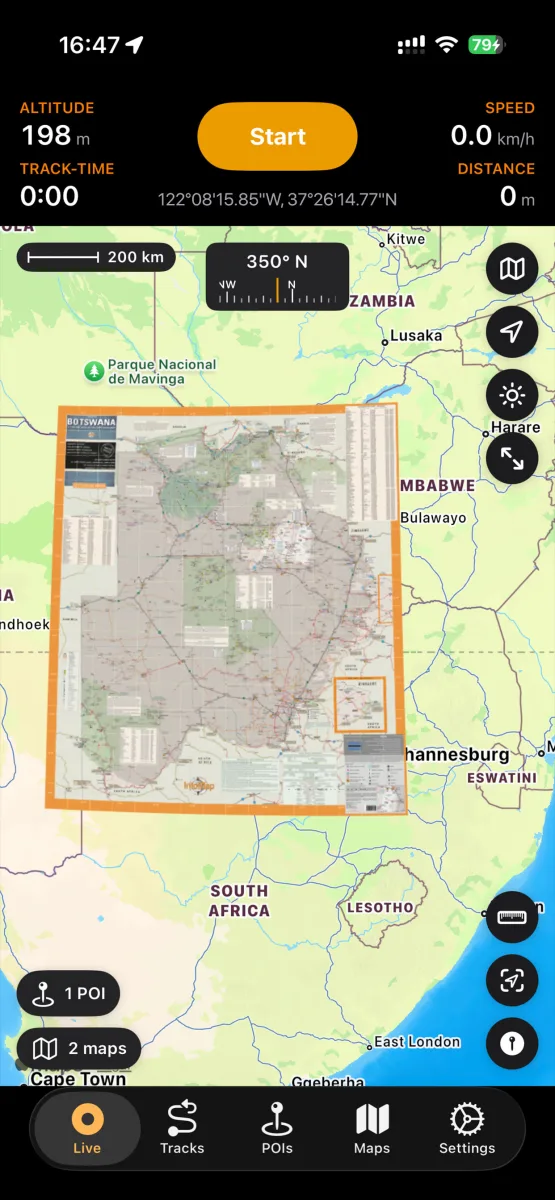
Open the imported map. A GeoPDF with embedded coordinates aligns automatically. Allow location access to see your position when you are inside its coverage. A plain PDF or photo needs calibration first.
If the file is in cloud storage, download it to your device before importing.
Reading this on a computer?
Scan with your phone — the link opens the right store for your device.
Get NomadTracks free — iOS & Android
Round up your map files
The maps you imported into Avenza are ordinary GeoPDF/GeoTIFF files — you already have them, or can re-download them free from the source (USGS, BLM, national parks, agencies). Gather the ones you actually use into Files, iCloud Drive, or any folder your device can reach.
Import them into NomadTracks
Share each file to NomadTracks, or import from the Maps tab. Files with embedded georeferencing (most GeoPDFs) align automatically — your live position appears on the map, offline. There's no limit on how many you add.
Georeference anything that isn't already
Have a plain PDF, a scan, or a photo of a paper map? Set a few control points and NomadTracks aligns it in about two minutes, with a live accuracy readout — something Avenza can't do at all.
Bring your placemarks and tracks
In Avenza, export your placemarks/features as KML or GPX, then import them into NomadTracks. Names, notes and coordinates come across, so your saved spots aren't left behind.
Maps you bought in Avenza's store
Store purchases are licensed to the Avenza app and don't transfer — but the same official maps are very often free GeoPDFs from the original publisher (USGS quads, BLM sheets, park handouts). Re-download those from the source and import them the same way.
The same map workflow on Android
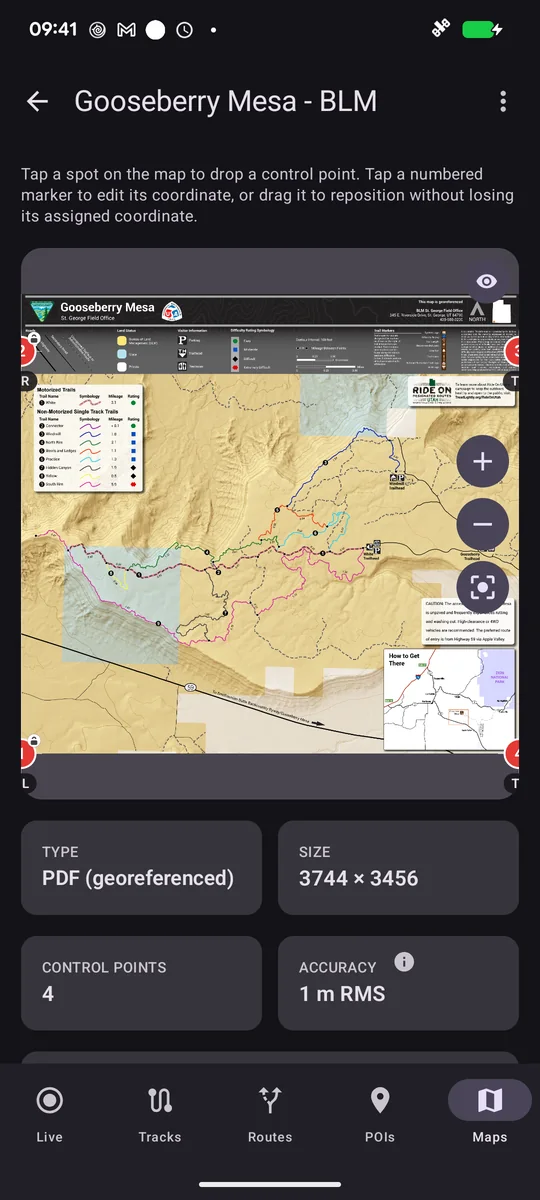
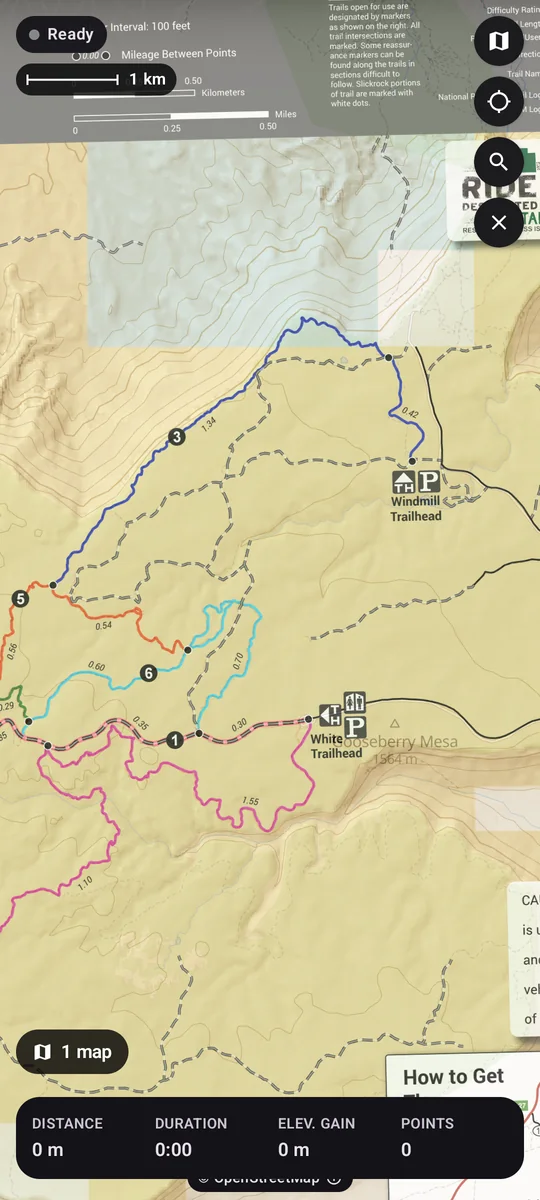
Download the actual PDF, then use your browser or file manager’s Open with → NomadTracks, or import it through the Maps tab. This free BLM Gooseberry Mesa GeoPDF imported with four control points automatically. Switch on the overlay to view the official trail map over NomadTracks Map.
FAQ
Can I move my Avenza maps to NomadTracks?
Yes — the maps you imported into Avenza are standard GeoPDF/GeoTIFF files. Import them into NomadTracks (unlimited and free) and they work offline with your live position. Maps you bought inside Avenza's store are licensed to that app, but the same official titles are usually available as free GeoPDFs from the publisher.
Will my Avenza placemarks and features transfer?
Yes — export them from Avenza as KML or GPX, then import into NomadTracks; names, notes and coordinates come across. Nothing is locked in either direction.
Is there a limit on how many maps I can import?
No. Unlimited custom map imports are part of the free NomadTracks core — no per-device cap, no yearly fee, no account.
What does NomadTracks do that Avenza doesn't?
It georeferences maps that aren't already georeferenced — a scan, a plain PDF, even a photo of a paper map — with a live accuracy readout, and wraps a full GPS recorder, POIs with photos, route planning and standalone Apple Watch recording around the map viewer. See the full NomadTracks vs. Avenza comparison.